


Logging into your 22Bet account: Authorisation, login and access to your personal account
Nowadays, most users are no longer willing to limit themselves to a single gadget: at home, they use a desktop computer, appreciating its large screen size, while on the road or simply away from home, they prefer portable devices such as smartphones or tablets. All these gadgets sometimes need to be updated, because progress does not stand still, and device owners want new features and greater computing power. At the same time, in the case of gambling, customers want to maintain access to their bankroll and be able to continue playing active bonuses on different devices — all these features are available on 22Bet thanks to the authorisation option.
How to log in to 22Bet
Any registered user can log in to their personal account on 22Bet, i.e. anyone who already has such an account. One account allows you to log in to all existing versions of our interface, but registering multiple accounts is strictly prohibited. The login process is generally the same for different versions of the interface, but we suggest you take a look at the available options, noting that you will always need the same set of data to log in, which we will discuss below.
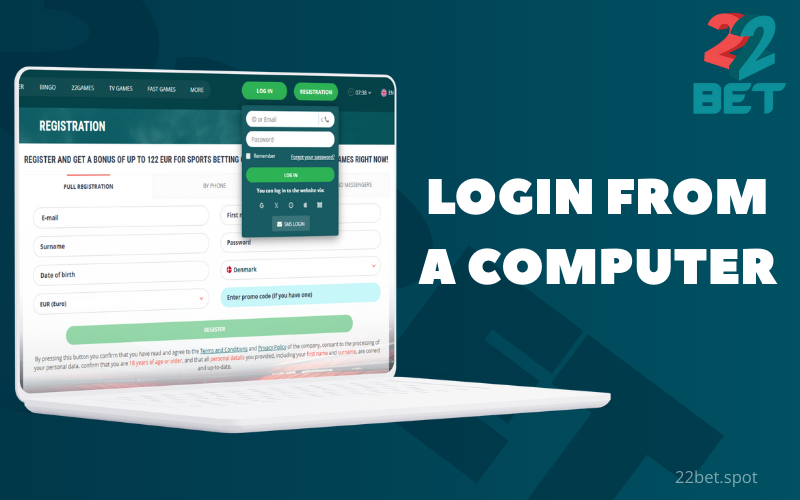
Login from a computer
Access to 22Bet from computers and laptops is provided by the desktop version of our website, which can be opened in any modern browser. The website does not require prior installation; you can open it instantly and start using it immediately after logging in. In some countries, the website may be blocked by local regulators; users can bypass existing restrictions by using a VPN, but our administration recommends first making sure that there are no penalties for such actions.
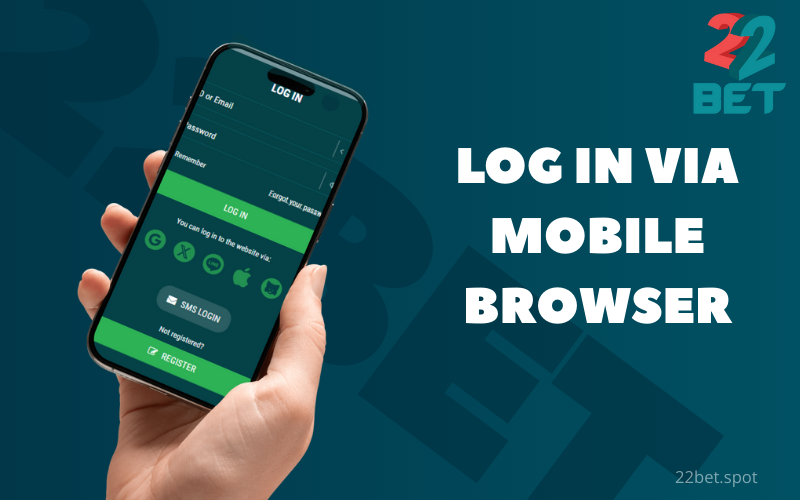
Log in via mobile browser
One way for 22Bet customers to access our interface is via the establishment’s mobile site. Everything we wrote above about the desktop site applies equally to this resource: it opens in any browser, but in some jurisdictions a VPN may be required. The design of the mobile version of the site looks radically different: there are noticeably fewer images and colourful banners so as not to clutter up the already small display, but this has not affected the availability of all the necessary functions.
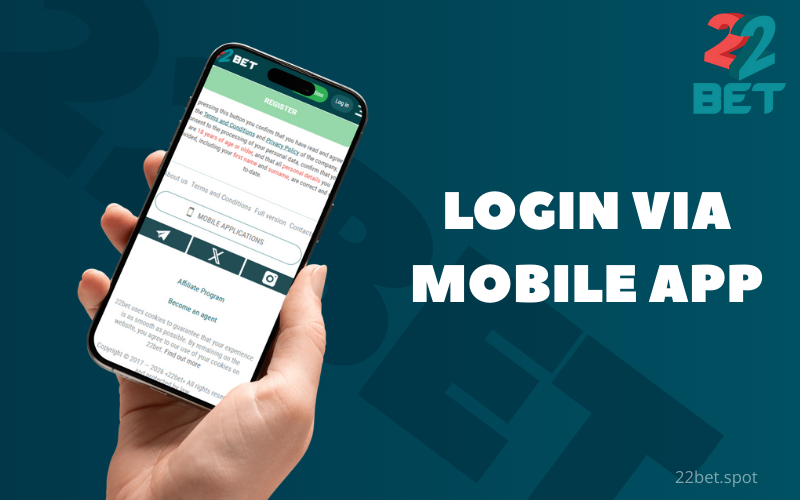
Login via mobile app
Authorisation in the mobile application is only available on devices running iOS, Android, and HarmonyOS (thanks to the latter’s high compatibility with Android). Using the application is particularly advantageous for regular 22Bet users, as the programme saves traffic, loads pages faster, and sends notifications. However, to use the software, you must first download and install it – you can do this on our official website. We strongly advise players not to download files presented as our app from third-party sources – this could result in viruses infecting your device.
Login details
Regardless of which interface option you use to log in, you must enter the same login details for 22Bet. However, there are several ways to log in – the full questionnaire, which new customers of the establishment must fill out, provides this option. Having alternative login methods can be a great help if you suddenly lose access to one of your usual contacts.
Login: ID, telephone number or email address
A login is a user ID used by the system to distinguish one player from other customers. When logging in to 22Bet, visitors enter their login details so that we know who is logging in. There are three permitted login options in the login window:

e-mail;
phone number;
Account ID.
Your contact details can serve as your login, provided that you entered them when registering with 22Bet or added them to your personal account later. As for your account ID, it is automatically assigned to each account at the time of registration; authorised users can find it in their personal account. You should write down this ID immediately — it will come in handy both as a login option and as a clear indication of a specific account when contacting customer support.
Password and security
In theory, anyone could know your username, so to make sure only the rightful owner of the account can log in, you need to add a password that only you know. The customer chooses the password themselves, and it is advisable to change it at least once a year – this will keep your 22Bet account secure even if your code combination is leaked to the darknet.
An alternative method of logging in without a password is authorisation with an SMS code: in this case, the customer uses their phone number as their login and enters a one-time code that is valid for a few minutes instead of a password. For security reasons, this method cannot be used with any other type of login. If you lose access to your phone number, please notify us immediately.
As an additional security measure, you can enable two-factor authentication via Google Authenticator. This can be done in your personal account, where you will find detailed instructions. The essence of this action is that with 2FA enabled, a login and password are no longer sufficient to log in — you also need a one-time code from the Google Authenticator app, which is valid for only 30 seconds. In practice, this usually means that fraudsters will never gain access to your account unless they steal your smartphone with the temporary code generator app installed.
Restoring access
There may be situations where a customer loses access to their account, but the 22Bet administration has done everything in its power to ensure that the problem is resolved effectively and quickly. Often, you won’t even need to contact customer support: you can solve the problem yourself in a matter of minutes thanks to a well-thought-out algorithm of actions.
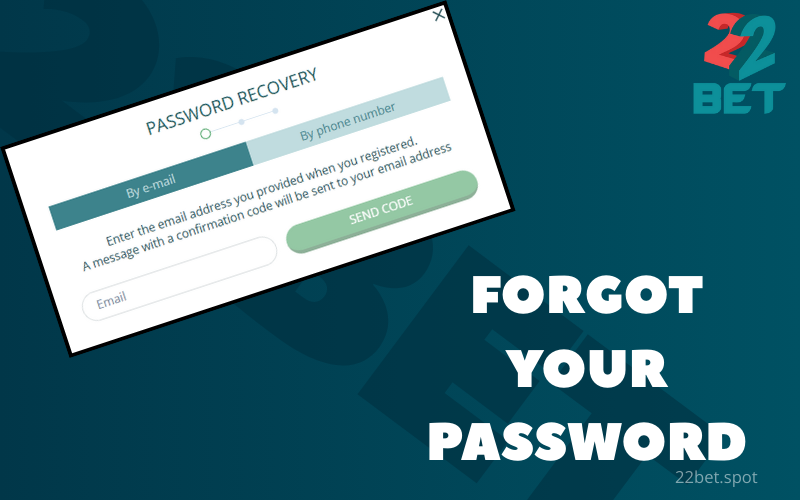
Forgot your password
For this purpose, there is a clickable link with the same name in the authorisation window. By clicking on it, the user will be prompted to specify one of the contacts linked to the account – either a phone number or an email address. By entering such a contact, the player automatically resets their old password – from that moment on, it is invalid and cannot be used, even if you remember it. Instead, detailed instructions on how to set a new password will be sent to your email or via SMS (depending on the type of contact specified), allowing you to set a new password and log in with it in a few minutes.
However, forgetting your password does not necessarily mean that you have to reset it: you can log in to your personal account using your phone number and the code from the text message.
Hacked account
This situation is quite rare and in most cases is caused by the customer’s own negligence regarding security, but if it does happen, there are two ways to identify the problem:
- Unable to log in with the usual username and password;
- You can log in, but suspicious activity has been detected – there are instances of authorisation in the login history that you do not recognise.
In both cases, first try changing your password as described above (Forgot Password section), and then check your login history in your personal account. If unauthorised logins are confirmed, you should immediately report this to 22Bet customer support. In this situation, especially if the player has not been able to regain access to their account on their own, a customer re-verification may be carried out to ensure that they are the owner of the account. If your personal account has indeed been hacked and you have not used two-factor authentication until now, this is a wake-up call that it is time to take care of your account security.
Common login problems
By default, the authorisation procedure in your 22Bet personal account takes just a few seconds and does not cause any problems. However, some users do encounter difficulties in certain cases, but these can often be resolved quickly without contacting customer support, provided you know exactly what to do. Save the guide below so that every authorisation in our establishment goes smoothly.

Incorrect login or password
Most often, the reason is trivial: the customer made a typo when entering their login details. This is a particularly common problem, given that the input form treats lowercase and uppercase letters as different characters. Therefore, the first thing you should do is check the information you are entering for errors. Users should also remember that if you have recently changed your password, the old combination is no longer valid!
If you cannot figure out why your 22Bet account password is not working, you can always change it by clicking on Forgot your password or log in using your phone number and the code from the SMS. We recommend checking your login history in your personal account to make sure you haven't been hacked; if you find any logins you don't recognise, you should immediately report this to our support service.
Lockout after multiple attempts
The 22Bet security system is configured in such a way that multiple failed login attempts may result in the account being blocked. This is done in case someone tries to hack into the account using a brute force password attack, giving the legitimate owner a chance to prevent fraudsters from gaining access. If you are indeed the legitimate owner of the personal account, please contact our security service to have your access restored. In this situation, you may be asked to undergo re-verification to confirm that the account is indeed yours.
Lockout after multiple attempts
The 22Bet security system is configured in such a way that multiple failed login attempts may result in the account being blocked. This is done in case someone tries to hack into the account using a brute force password attack, giving the legitimate owner a chance to prevent fraudsters from gaining access. If you are indeed the legitimate owner of the personal account, please contact our security service to have your access restored. In this situation, you may be asked to undergo re-verification to confirm that the account is indeed yours.
CAPTCHA and browser errors
In some cases, the system may think that the user is trying to access the site multiple times in a matter of seconds - this is usually a browser or proxy server error. For security reasons, we are required to check whether someone is trying to hack into a customer's account using software methods, by rapidly entering different combinations of login and password. In this situation, you will be asked to prove that you are human by completing a CAPTCHA: you will need to perform a simple task that artificial intelligence cannot do, after which the authorisation procedure will become available again.
Account login and security
The 22Bet administration also cares about the security of your account – all transmitted traffic is encrypted and cannot be decrypted on any device other than your gadget and our server. However, it is largely up to the user to determine whether fraudsters will succeed in their attempts to hack into their account. Here are some simple tips to follow to avoid any problems:
- use a sufficiently complex password that cannot be guessed;
- do not disclose your password to anyone, even if you trust that person.
- change your password at least once a year.
- if possible, do not log in on other people’s devices or gadgets with shared access, and if you do, it is better to access them through an anonymous browser tab.
- never leave the 22Bet interface open without supervision. If you do not plan to continue your session, use the Logout function.
- don’t be lazy, enable two-factor authentication.
- try not to use public Wi-Fi networks – they are poorly secured, and mobile internet is much more reliable in this regard.
In any suspicious situations, immediately check your login history in your personal account, and if you see an authorisation that you did not perform, report it to customer support. Be especially careful with logins via VPN: don’t be alarmed, they will be shown as authorisations from another country.
Managing your account after logging in
Once you log in to any version of the 22Bet interface, you will be able to fully manage your account from any of your devices. Even if the mobile versions look a little more modest, this is done strictly to optimise the use of screen space, but all functions remain available.

Personal account and profile settings
Your personal account allows you to customise certain elements, such as setting your time zone (important for those who travel a lot), choosing the format in which odds are displayed, hiding entire sections of the home page or simply individual sports that you are not interested in. You can also track your login history (this article has mentioned it a lot in the context of account security) and check which bonus is activated and at what stage of wagering it is. If desired, the player can activate other bonuses available in the section of the same name in the 22Bet interface. If necessary, the customer can also change their contact details and password.

Betting and transaction history
The correct approach to gambling involves analysing the player's previous actions: at the very least, you need to keep track of your expenses. Your transaction history will give you a rough idea of how often you top up your balance and whether you have managed to make a profit. Your betting history allows you to understand what you play most often, and in the case of sports betting, you can also calculate how many bets are still awaiting settlement.

Payment management and withdrawal of funds
The 22Bet personal account also allows you to manage your financial flows: you can top up your balance and withdraw your winnings only if you have logged in beforehand. Users have access to numerous and varied payment methods - choose the one that is most convenient for you, including in terms of limits, speed of crediting or commissions. The funds deposited will be available for placing bets on all your devices, and you can withdraw your winnings in the same way, even if the bet was made from another gadget.
Frequently asked questions
Is simultaneous authorisation on two devices permitted at 22Bet?
22Bet customers can log in on any number of their devices. This is convenient: you can watch our live sports broadcasts on a big screen while sitting on the sofa with your smartphone, where you can study the detailed betting line for the same match.
Does 22Bet offer authorisation via social networks?
This feature is currently unavailable: 22Bet customers can only log in to their personal accounts using their username and password (or SMS code). In the future, we may add the option to log in via popular social networks and messengers — stay tuned for updates.
Where can I find my 22Bet account ID?
The 22Bet account ID is assigned to the user immediately after registration on our platform. Authorised visitors can see it as a set of numbers at the top of their personal account. Write down your ID to get another login option for authorisation and to explain more clearly to customer support which account your request concerns.
Why do you need the Remember Me feature at 22Bet?
This feature allows you to skip entering your login and password every time you visit the site: on the device and interface version where you check this box, each launch of 22Bet will be automatically considered to have been performed on your behalf, with automatic authorisation. For obvious reasons, you should not use this feature on devices that are freely accessible to unauthorised persons.
How do I change the contact details linked to my 22Bet account?
You can do this in your 22Bet personal account: after logging in, open the Personal Data tab and edit the field with your phone number or email address. New contacts must be confirmed by clicking on the link in the email or entering the code from the SMS for the phone number. In some cases, the administration may request re-verification after this operation: we make sure that fraudsters cannot steal your account in this way.